The lesson
Open with the feature name, then show the exact workflow that changes in the product.
The move
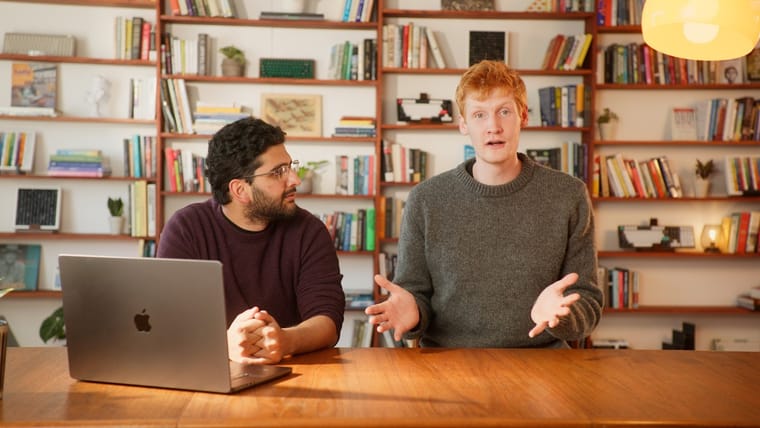
The poster puts “Plan Mode” in large white type over a close shot of Cursor on a laptop. The storyboard starts with a presenter at a desk and the words “Introducing” and “Plan Mode,” then cuts to close-ups of code and the Cursor agent panel. The description explains the practical behavior: Cursor writes detailed Markdown plans before complex tasks, plans can be edited inline or stored in code, and Plan Mode is entered with “Shift+Tab” in the agent input.
Why it works
- Our readThe title and opening type make the launch easy to understand before any demo detail appears.
- Our readCutting between a human presenter and real UI gives the feature both context and proof.
- Our readNaming the entry point, “Shift+Tab,” turns the launch from an announcement into something viewers can try immediately.
What not to copy
Skip the polished studio setup and soft-focus laptop beauty shots if they do not fit your brand. Keep the plain sequence: name the feature, explain when to use it, show the actual UI path.
More from Cursor




More launch videos







Steal it for your brand.
Tell us what you want to make. We’ll talk through how to put these ideas to work for your brand.