
The lesson
Explain a technical integration by moving from the agent's blocker, to buyer questions, to recommended connections, to setup steps.
The move
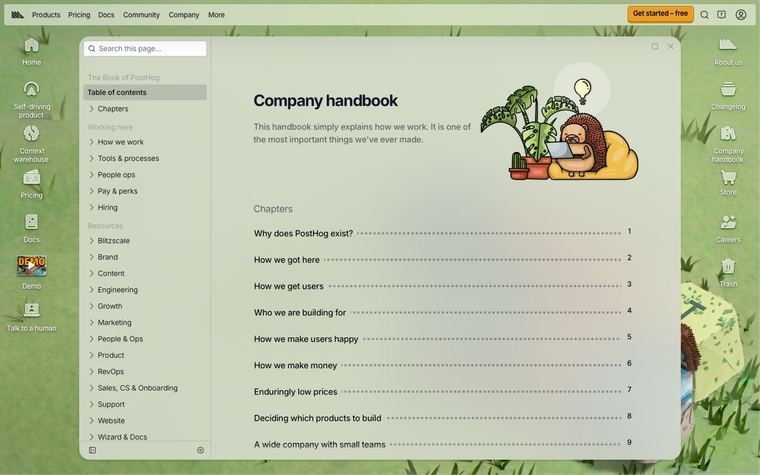
The guide opens with a table of contents and explains that an agent can work in a repo but cannot see an error tracker, database, tickets, or docs until those are connected. It frames MCP as the open standard that connects an agent to outside tools and data, then answers questions like "What is an MCP server?" and "How is MCP different from a plugin or a normal API integration?" A section called "Best MCP servers for Cursor, by use case" groups examples under databases, dev workflows, browser automation, and documentation retrieval. The setup section gives "Two paths: one click from the marketplace, or a small config file for anything custom."
Why it works
- Our readThe opening names the practical wall an agent hits, so the reader understands why MCP matters before learning the protocol.
- Our readThe Q&A headings match the questions a technical reader would ask before connecting tools, which makes the explainer easy to scan.
- Our readGrouping servers by use case helps readers map MCP to the tools they already alt-tab to during coding work.
What not to copy
Don't copy Cursor's marketplace list or MCP examples. Keep the flow from blocker, to plain-English protocol explanation, to use-case groupings, to setup options.
More from Cursor




More content marketing

Steal it for your brand.
Tell us what you want to make. We’ll talk through how to put these ideas to work for your brand.