The lesson
Put the product promise in the title, then use the video to show the builder and the finished experience.
The move
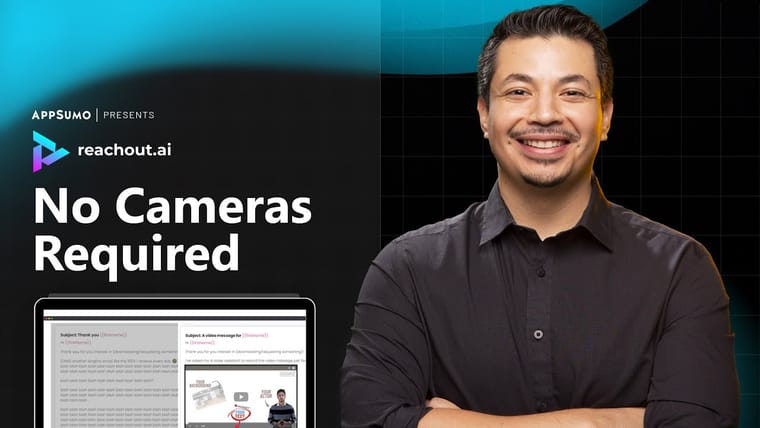
The poster uses AppSumo branding, the ExpoSim logo, a host on the right, and the large line “Customize Everything” beside a palette emoji. A product screenshot sits under the headline, showing a virtual event space with booth-like areas and navigation. The framing makes this feel like a guided marketplace demo: a person to trust, a product UI to inspect, and a clear no-code event-building outcome.
Why it works
- Our readThe headline turns a broad virtual-event tool into a specific buyer promise: control over the look and setup.
- Our readShowing the host and the UI together makes the video feel both explained and concrete before it starts.
- Our readThe title names the use case directly, so viewers know whether the demo is for them.
What not to copy
Skip the marketplace-presenter packaging if you are not curating third-party tools. Keep the pairing of a plain outcome-led title with immediate product visuals.
More from AppSumo



More launch videos








Steal it for your brand.
Tell us what you want to make. We’ll talk through how to put these ideas to work for your brand.