
The lesson
Show the exact workflow the customer automated, then repeat the story as Challenge, Solution and Results for each use case.
The move
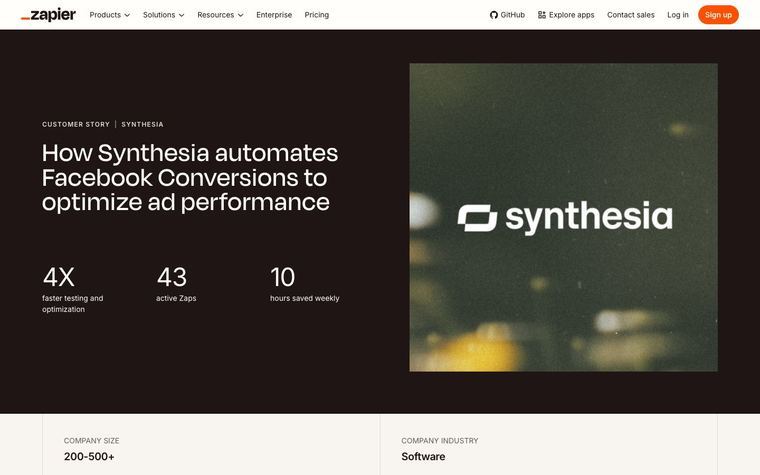
The hero labels the page as “Customer Story | Lasagna Love,” then leads with the title, a Lasagna Love image and two result callouts: “200+ hours saved” and “250K+ Lasagnas delivered.” A facts strip names “Company size,” “Company industry” and a short summary, “Zapier takes care of volunteer onboarding from start to finish.” The body uses “Challenge,” “Solution” and “Results” to explain volunteer onboarding, then shows the actual app pairs, including Squarespace Forms, Google Sheets and Gmail. A founder quote breaks the page before a second workflow story about creating a Google Sheet from a new Squarespace form.
Why it works
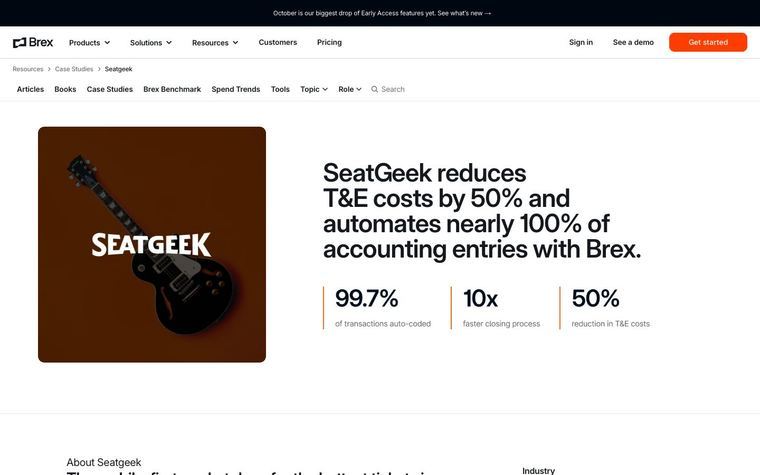
- Our readThe two result callouts make the nonprofit scale clear before the reader gets into the workflow details.
- Our readThe repeated “Challenge,” “Solution” and “Results” labels make the story skimmable for someone looking for a similar automation use case.
- Our readShowing the app pair cards turns the case study into a usable recipe, not just a customer quote.
What not to copy
Don't copy Lasagna Love's volunteer onboarding story, app stack or meal delivery mission. Keep the result-led hero, the customer fact strip and the workflow-by-workflow Challenge, Solution and Results structure.
More from Zapier
More case studies
Steal it for your brand.
Tell us what you want to make. We’ll talk through how to put these ideas to work for your brand.