
The lesson
Put the main result in the headline, then close the story with a table that pairs each metric with its result and what it meant for the customer.
The move
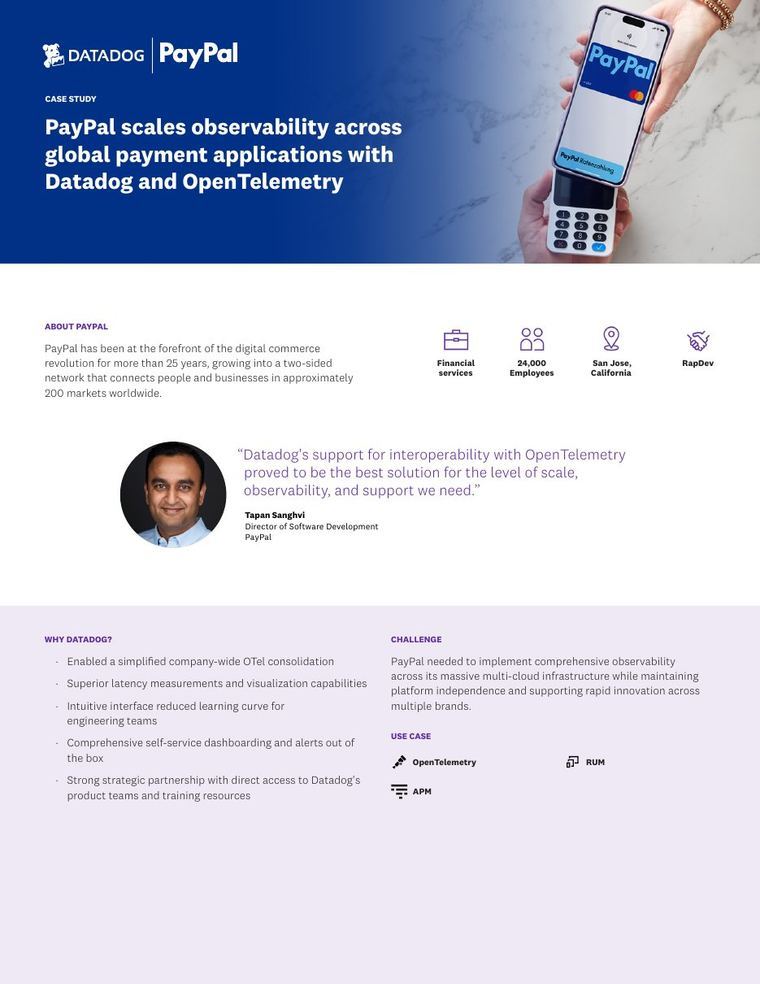
The dark hero sets a "Customer Story" label and the customer logo above a headline that carries both main numbers, then a one-paragraph summary and a stat bar reading "65%+", "120+ hrs" and "2-week ramp". A pull quote from Terri Hollis, CEO, with her photo comes next, beside a left Customer Profile card listing Type, EHR, Call Volume and Use Cases, and a "See Prosper AI in Action" demo box. The body runs through "About Arkansas Pediatric Clinic", "The Challenge", "The Solution" and "Implementation" as bold-led bullet lists, then an "Impact" table with METRIC, RESULT and IMPACT columns, a quote from Kristen Fowler, Operations Manager, and "What's Next". It closes on the opening CEO quote again and a "Meet more of our customers" row of two stories.
Why it works
- Our readThe summary paragraph under the headline gives practice size, EHR, call volume and go-live time in one place, so a reader can judge fit before scrolling.
- Our readThe Impact table's IMPACT column explains each result in operational terms, so a skimmer does not have to connect a number back to the challenge list.
- Our readThe Customer Profile card names the EHR and call volume, which are the first filters a practice buying phone automation would check.
What not to copy
Don't copy the healthcare details such as athenahealth, appointment types or insurance rules, and don't repeat the same quote at top and bottom or state two different ramp times (the page says 2 weeks and also a "6-week ramp"). Keep the numbers-in-headline hero, the stat bar, the profile card beside the lead quote, the bold-led challenge and solution bullets, and the three-column impact table.
More from Prosper AI


More case studies


Steal it for your brand.
Tell us what you want to make. We’ll talk through how to put these ideas to work for your brand.