
The lesson
When one customer bought the product for several workflows, show every workflow in one Before/After table, then give each one a section headed by its own result.
The move
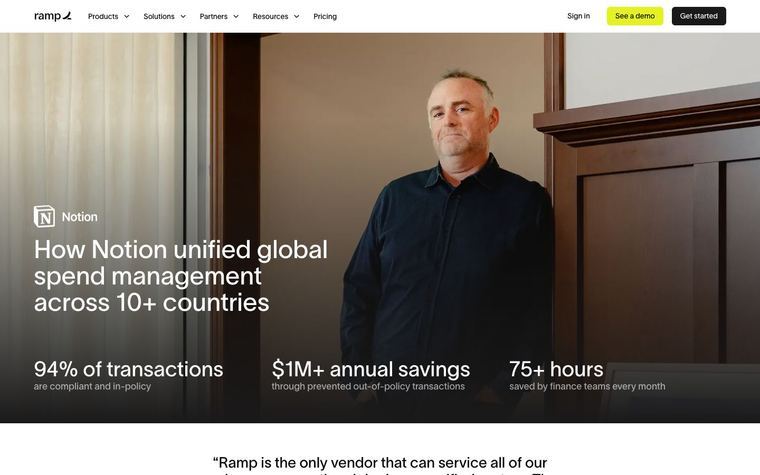
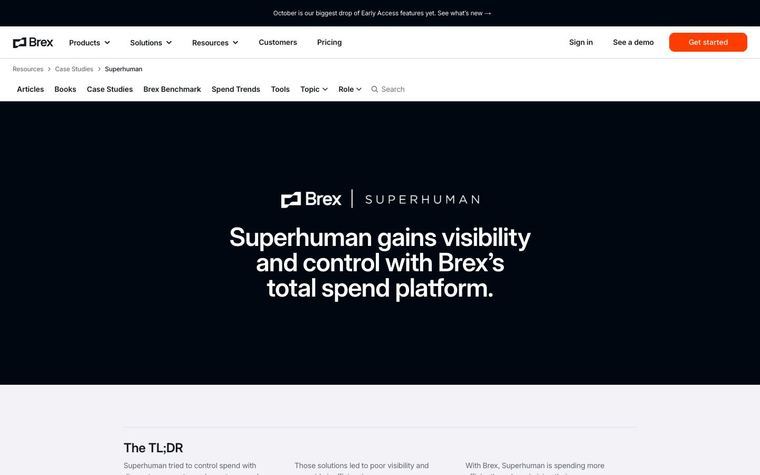
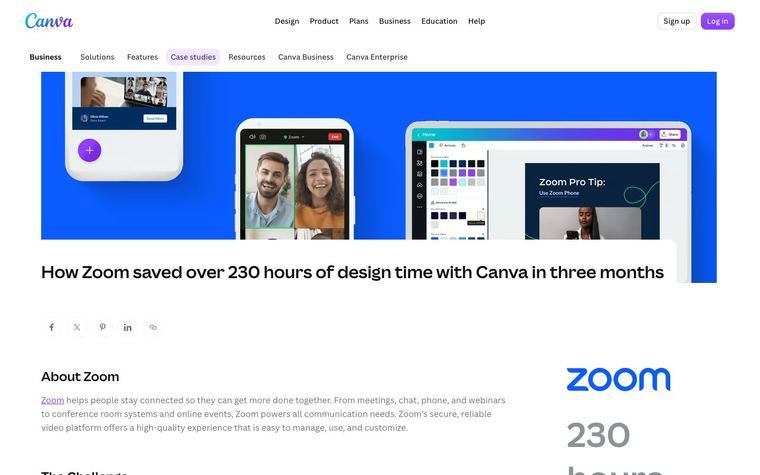
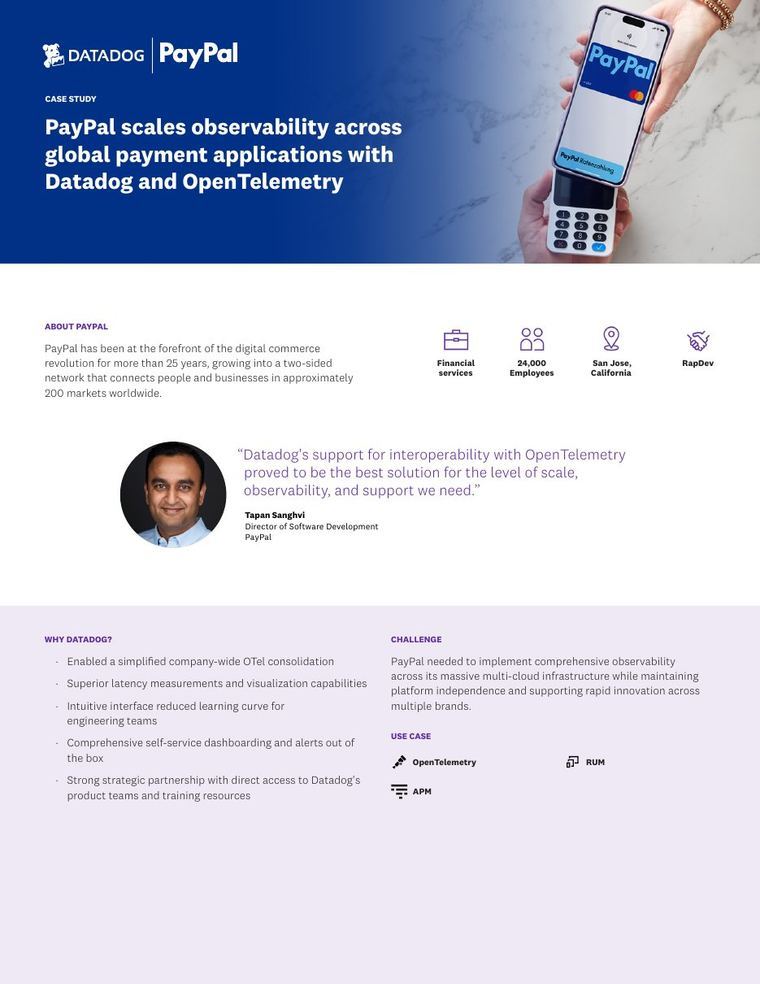
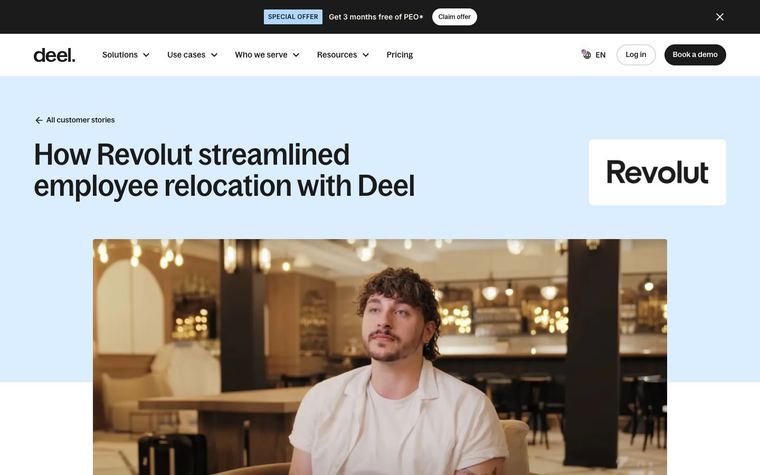
Under a "CUSTOMER STORY" eyebrow, the headline sits above the Lineage logo, a video with both logos and a pull quote. Three stat tiles follow: "2 million AI runs annually", "99% average accuracy" and "49 days to live agent". A sidebar lists Customer, Headquarters, Operation Type and Services, beside a Summary, "About the company", a quote from the CIO and four headshots with short bios. "The problem" covers the three business units, "Solution" sets them in a Process, Before, After table, and then each workflow gets its own section with a stat headline such as "Order entry from 15 to 2 minutes, live in 49 days", an example document image and, in some, a named quote, before an Outcomes section and a large closing quote.
Why it works
- Our readThe Before/After table lets a buyer see all three workflows at once before deciding which detailed section to read.
- Our readEach workflow section opens with its own result in the heading, so a skimmer gets the outcome without reading the body.
- Our readHeadshots and bios for four named Lineage leaders show that data science, transportation and IT all backed the project, which a buyer can use as evidence of wide internal support.
What not to copy
Don't copy Lineage's cold chain details, the CargoWise and WMS specifics, or the tribal-knowledge framing unless your customer says it too. Keep the stat tiles under the hero, the firmographic sidebar, the named-team headshots, the Before/After table, and one stat-headed section per workflow.
More from Pallet


More case studies
Steal it for your brand.
Tell us what you want to make. We’ll talk through how to put these ideas to work for your brand.