The lesson
Start with the messy user problem, then show the AI workflow translating it into the finished interface.
The move
The Short opens on a person holding a paper wireframe with the caption, “I don’t really know how to build something custom like that.” The next frames label the promise, “Create a unique dashboard with AI,” and show the hand sketch beside Airtable on a laptop. Later frames move into screen recordings where Airtable’s AI assistant appears to read the sketch and generate an interface from it.
Why it works
- Our readThe paper sketch makes the problem feel familiar before the product UI appears.
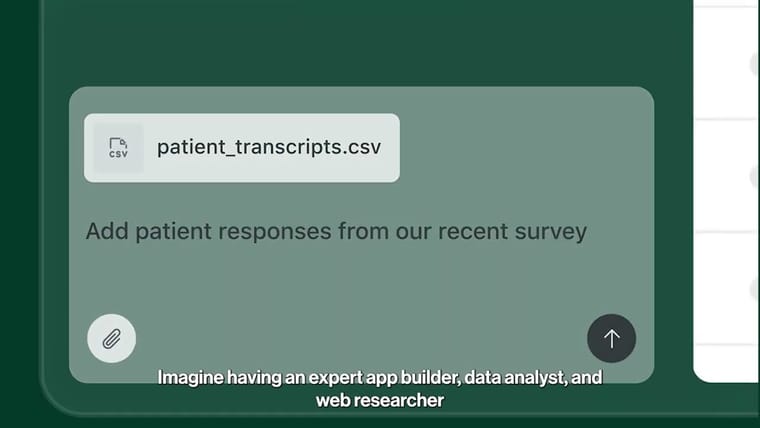
- Our readThe demo keeps the AI claim grounded by showing the source artifact, the prompt area, and the generated interface in sequence.
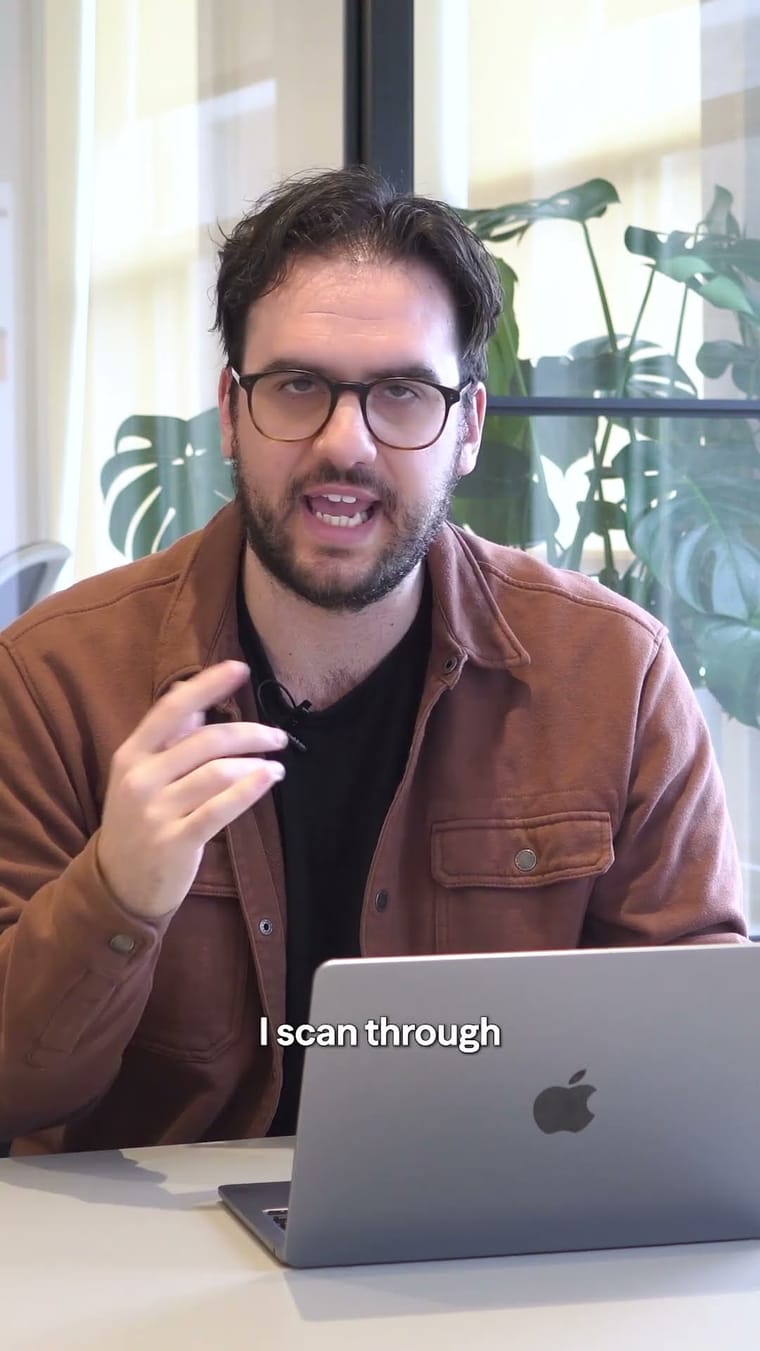
- Our readThe talking-head format gives the feature a human narrator instead of making it feel like a generic product walkthrough.
What not to copy
Skip the exact Omni AI positioning unless you have a feature that can act on rough user inputs. Keep the move of pairing a crude starting point with the product-generated output.
More from Airtable



More social posts


Steal it for your brand.
Tell us what you want to make. We’ll talk through how to put these ideas to work for your brand.