
The lesson
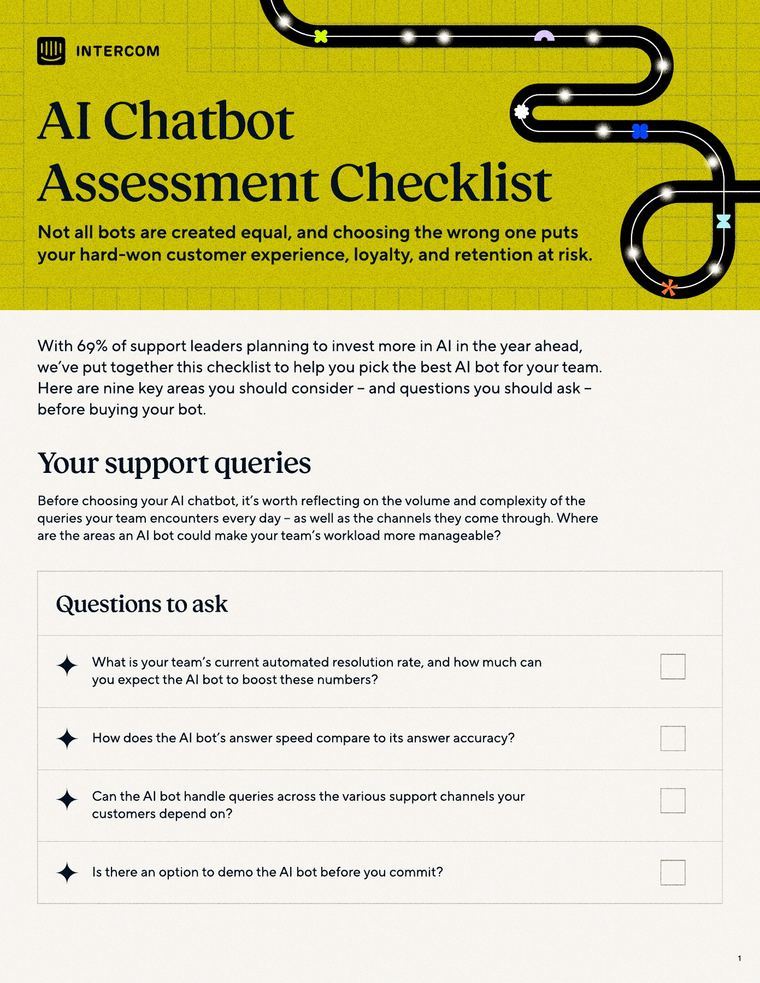
Write the questions a buyer should ask every vendor in your category, and pick the ones your product answers best.
The move
A light-blue hero labelled "ONE PAGER" carries the title "45 Questions to Ask Digital Closing Providers," a short framing paragraph and a "Download One-Pager" button. "Get your eClosings off the starting blocks" sets the bar with Snapdocs' own figures: clients implement in two months and reach 100% of closings in five months. Numbered questions follow under themed headings, from "Support for all types of closings" and "Support for all documents" through "Implementation" and "Customer success" to "Financial stability." The page closes with an "Additional eClosing resources" carousel and a "Ready to transform your closing experience?" demo banner.
Why it works
- Our readA lender comparing vendors gets a tool they can take into every sales call, so the sheet is useful even before they choose Snapdocs.
- Our readOpening with implementation and adoption figures gives the reader a benchmark for judging every other vendor's answers.
- Our readShort themed headings and numbered questions let a reader scan to the area they care about, such as borrower experience or LOS integration.
What not to copy
Don't copy the mortgage terms, such as wet, hybrid and eNote closings, LOS integration or notary adoption, unless your category has the same parts. Keep the structure: a benchmark of your own results, then numbered questions grouped by evaluation area, ending with vendor viability questions and one demo CTA.
More one-pagers


Steal it for your brand.
Tell us what you want to make. We’ll talk through how to put these ideas to work for your brand.