The lesson
Open a datasheet with the product and a plain title, then split overview from highlights, and leave the spec tables for the next page.
The move
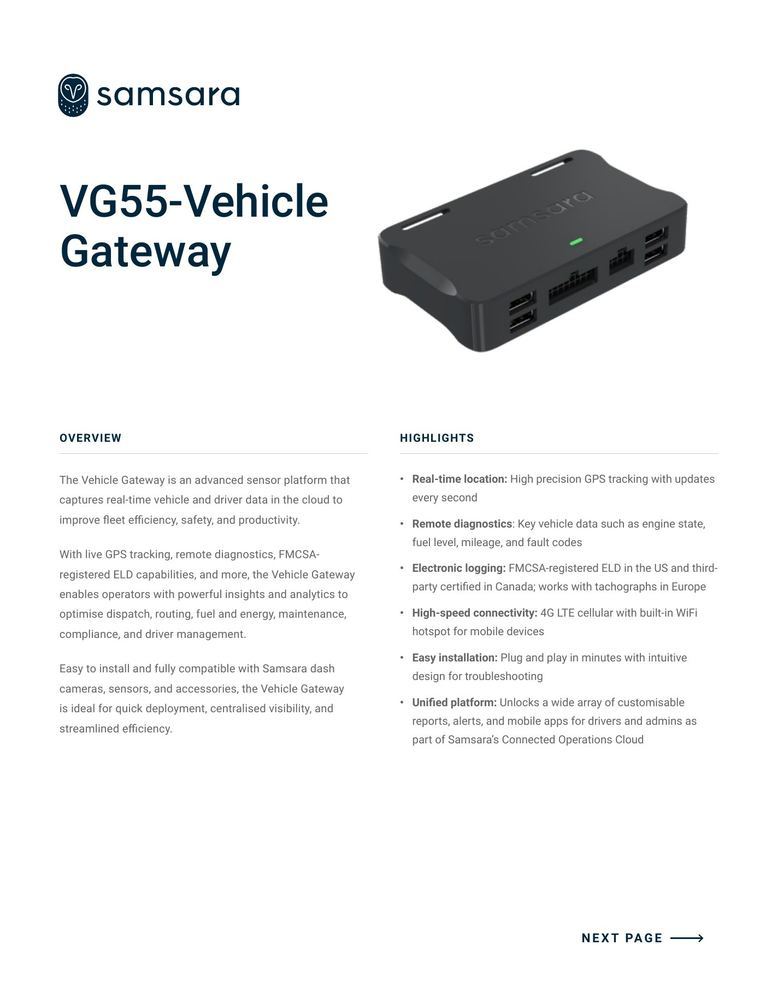
The page is mostly white. The logo is top left, "VG55-Vehicle Gateway" sits in large navy type beside a product render, and two columns follow: OVERVIEW, and HIGHLIGHTS with six bold-led bullets such as "Real-time location:" and "Electronic logging:". A "NEXT PAGE" arrow sits at bottom right.
Why it works
- Our readEach highlight starts with a bold noun phrase, so a reader checking for one capability can find it in a glance.
- Our readGenerous white space and one render keep the page calm, so the capabilities carry it without decoration.
- Our readPutting prose in one column and scannable bullets in the other serves both the reader who wants context and the one who wants a checklist.
What not to copy
Don't copy Samsara's feature list or the render style if your product isn't hardware. Keep the two-column overview and highlights split with bold lead-ins.