
The lesson
Sell the enterprise version by pairing the product promise with the controls IT and legal need to approve it.
The move
The page opens with "Turn meeting notes into company knowledge" and a short explanation that Granola connects meeting context to teams' apps and AI tools, followed by a "Talk to sales" button. It then moves into "Security and Compliance for IT & Legal" with controls like data retention, redaction, notifications, and named compliance badges. Further down, it explains "We’re all about the details," shows saved-hours and adoption figures beside a customer quote, then expands into "Transparency, security and admin controls" with a grid of admin, identity, encryption, and compliance features. The close returns to daily use with "Notes that work before, during, and after a call," customer case study links, and a questions and answers section with pricing, model training, SOC 2, SSO, and participant notification details.
Why it works
- Our readThe first screen states the broad company value, then immediately gives IT and legal their own section, so the buyer does not have to hunt for risk answers.
- Our readThe page alternates between governance language and product-use language, which keeps Enterprise from feeling like a separate compliance-only product.
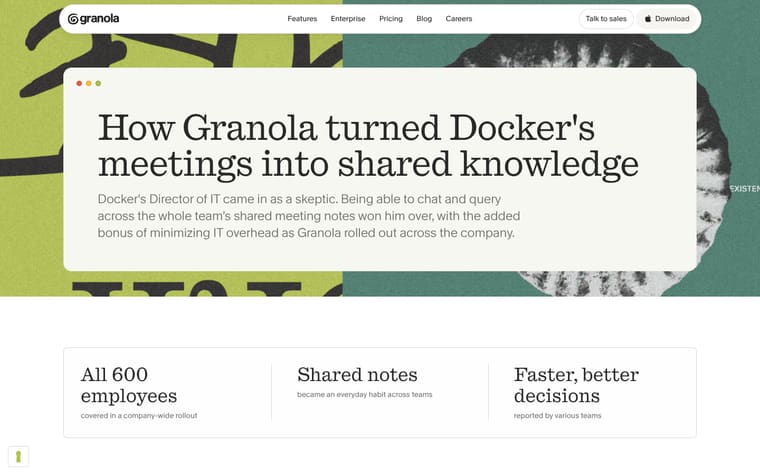
- Our readCustomer quotes and case study links appear near concrete metrics and security claims, giving the reader proof points without stopping the flow into the feature grid.
What not to copy
Don't copy the compliance badge stack unless those standards are actually supported by your product. Keep the structure of promise first, approval controls second, daily workflow third, and buying questions last.
More from Granola




More landing pages








Steal it for your brand.
Tell us what you want to make. We’ll talk through how to put these ideas to work for your brand.