The lesson
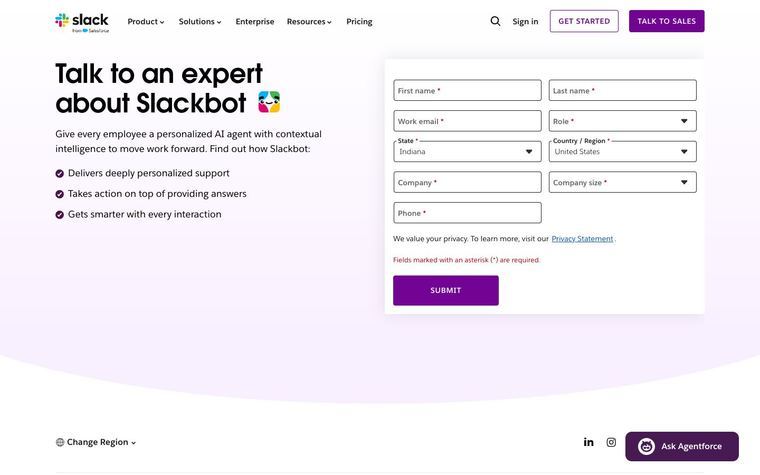
If you gate a demo behind a form, put three plain benefit lines above it so the visitor can see what the trade buys.
The move
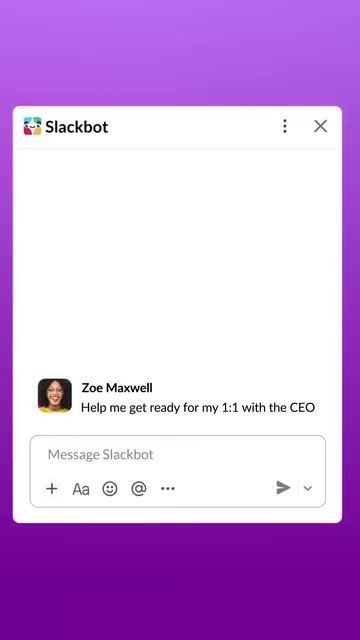
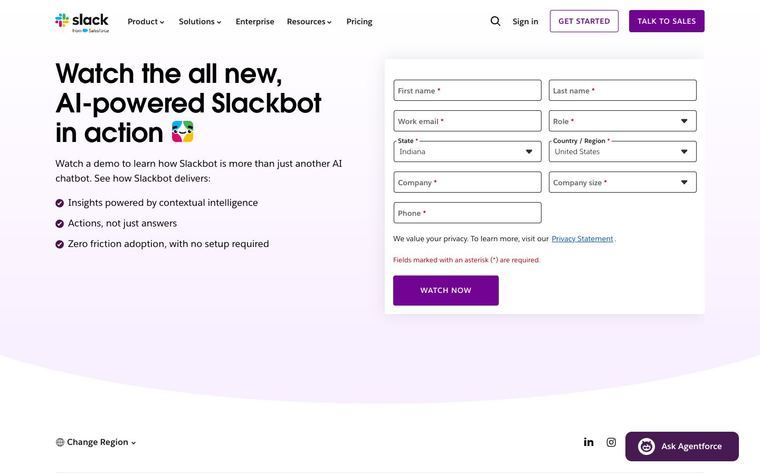
Headline: "Watch the all new, AI-powered Slackbot in action". Under it sit three checked lines, including "Actions, not just answers". A card on the right holds a form with nine fields, from first name to phone, and a purple "WATCH NOW" button.
Why it works
- Our readThe button says "WATCH NOW" while the form asks for nine fields, so the label promises something immediate that the form makes a visitor earn.
- Our readPutting the benefits beside the form in the same viewport keeps the reason for filling it out visible while the visitor types.
- Our readApart from the navigation, a few footer links and a chat button, the page offers one action: the form.
What not to copy
Nine required fields, including phone, is a lot to ask before a demo. Copy the benefit lines next to the form and cut the fields to what sales needs for the first follow-up.