The lesson
Show the product mid-use high on the page, and title sections by what they do for the team.
The move
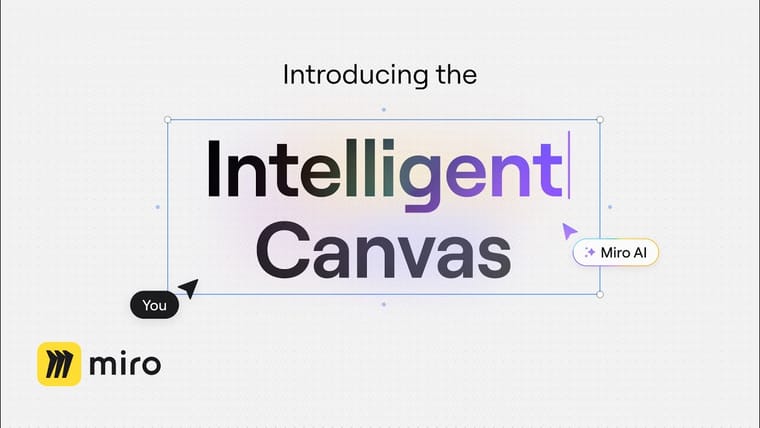
The page opens with "The AI platform for teamwork" over a product shot of a bag brief linked to bag images, then "Use your entire canvas as a prompt" above a yellow panel full of sticky notes and named cursors. Three columns follow, then AI Playbooks cards for planning, product development and rapid prototyping.
Why it works
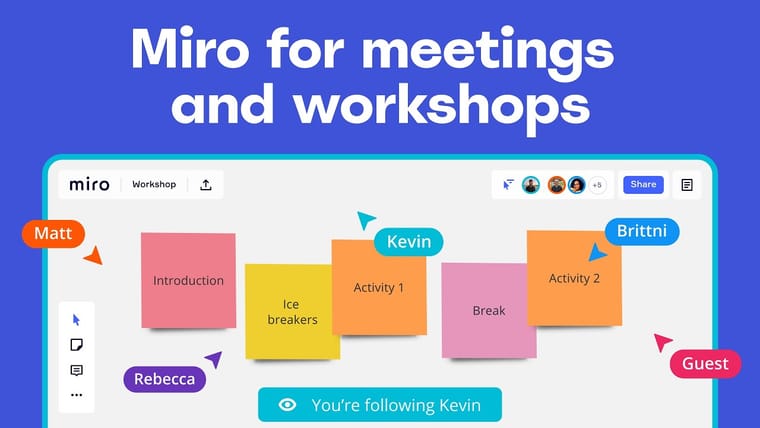
- Our readA Sidekick cursor sits beside cursors labeled Jack and Monica in the product view, so the AI reads as another collaborator, not a separate tool.
- Our readHeadings like "Bring in context from all your work" and "Build a canvas, not just an output" state a stance on how AI should work before any feature list.
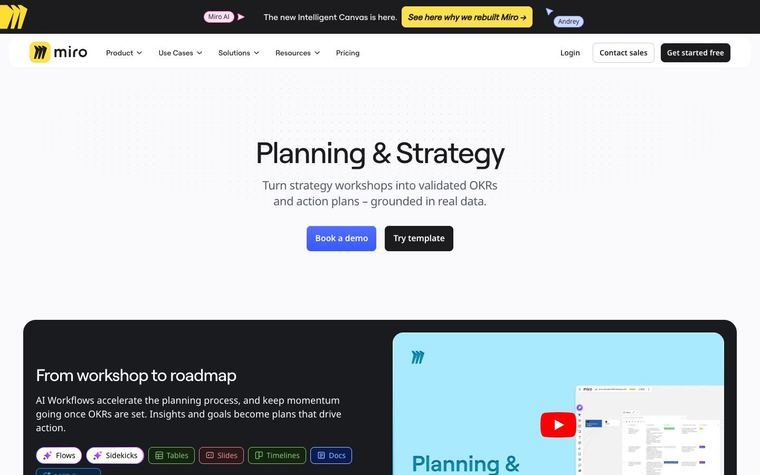
- Our readPlaybook cards named by type of work (Planning & Strategy, Product Development, Rapid Prototyping) let a visitor find their own use case quickly.
What not to copy
Don't copy the Sidekick and Flows vocabulary or the sticky-note imagery, which only fit a canvas product. Keep the pattern of in-use screenshots plus use-case cards named for the buyer's work.