The lesson
Show the product's output as the page, and repeat one bright button at both ends of the page.
The move
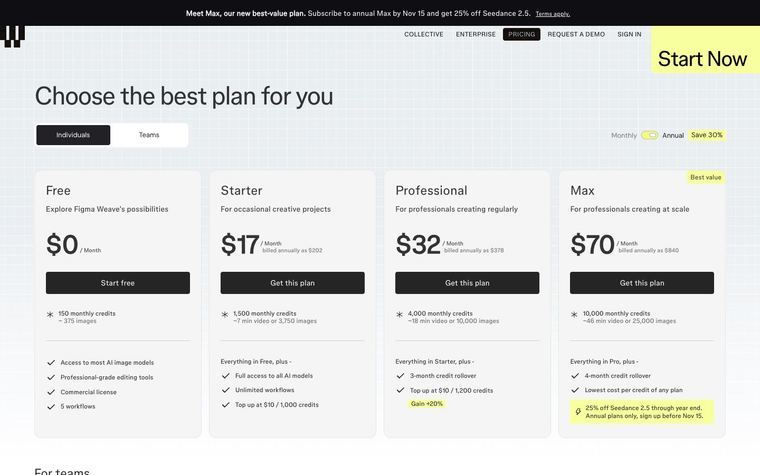
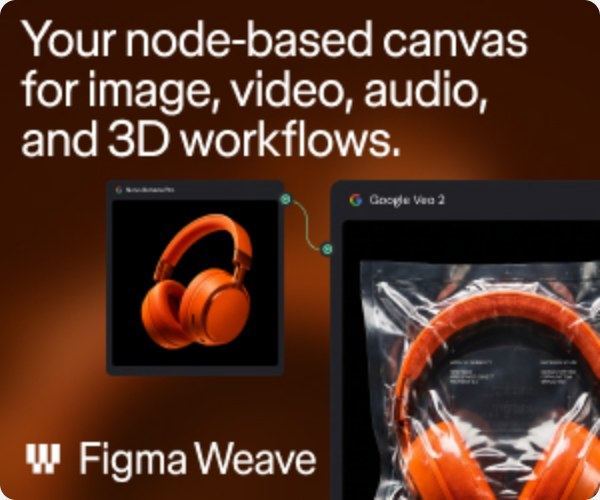
The page opens on "Figma Weave Artistic Intelligence" above a node workflow of portrait and bird images, then "With all the professional tools you rely on" above a vase ringed by tool names, then "Control the Outcome" above the editor. "Explore Our Workflows" cards follow. A yellow "Start Now" button sits in the top corner and at the bottom.
Why it works
- Our readSections are titled by what the buyer cares about (tools, control, workflows), so the headings read as an argument when skimmed.
- Our readNamed workflow cards, each with a Try tag, give a visitor a specific starting point to try.
- Our readThe same yellow CTA in two places puts the next step at both the start and the end of the scroll.
What not to copy
Don't copy the moody image styling or the model-brand wordmarks that float mid-page. Keep the gallery of named workflows and the repeated yellow CTA.