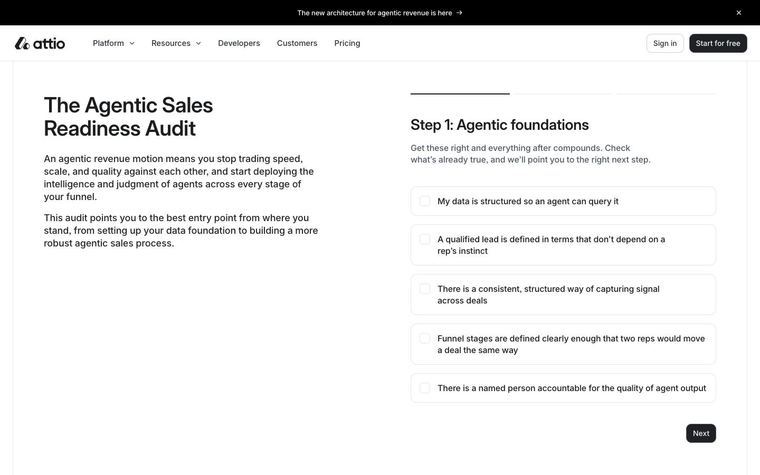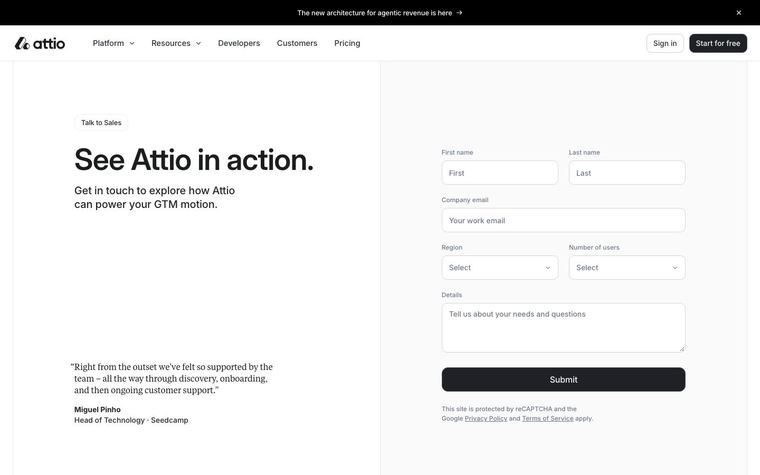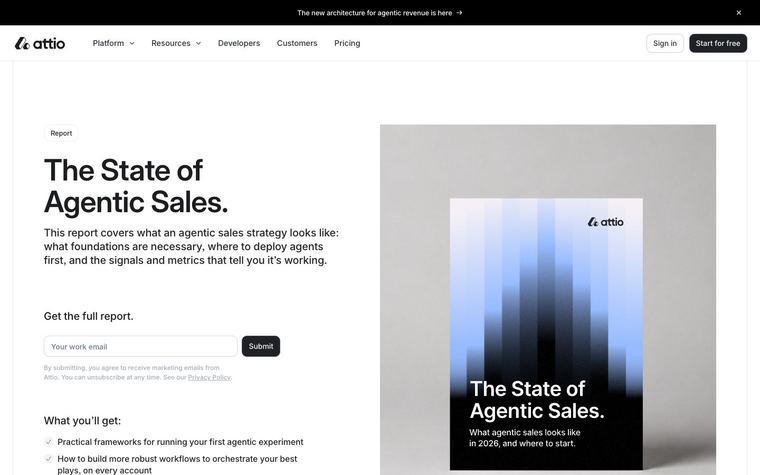
The lesson
Name the exact product beside a demo form, say what the demo covers, and ask what it should focus on.
The move
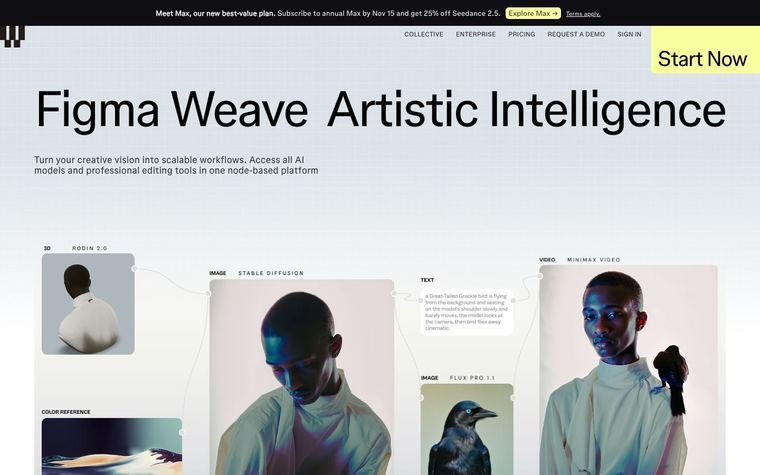
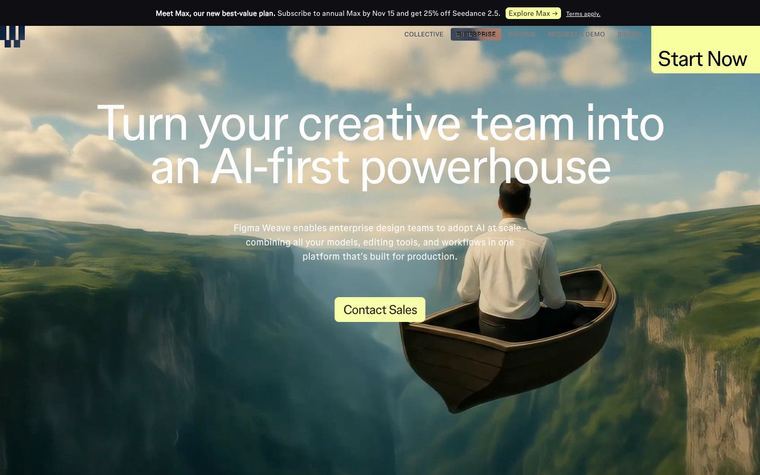
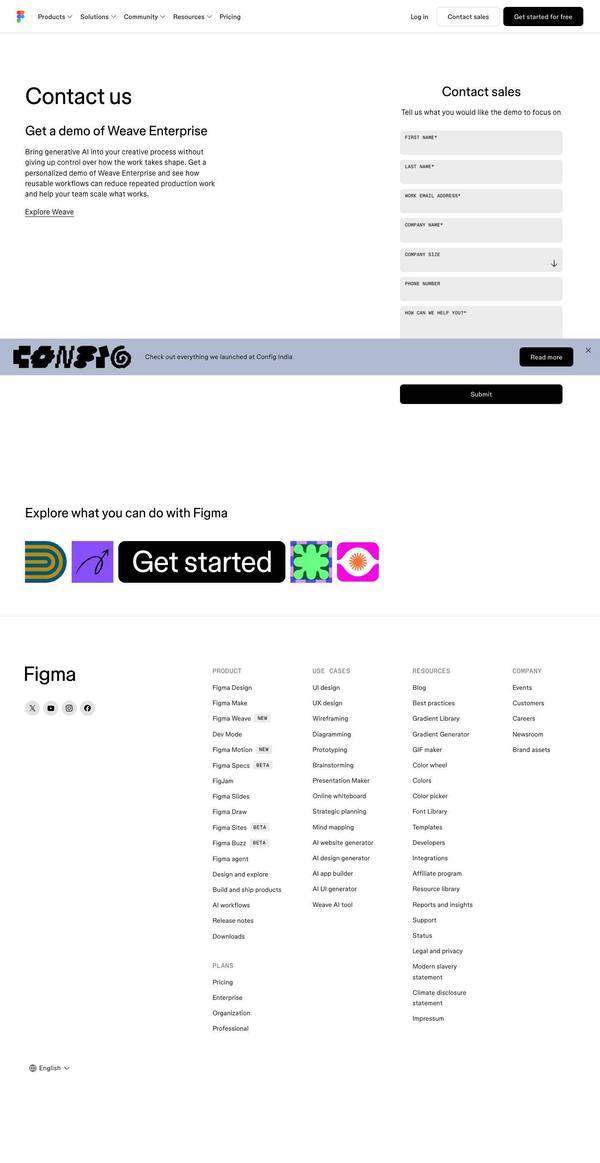
Two columns under 'Contact us'. On the left, 'Get a demo of Weave Enterprise' and a paragraph about bringing generative AI into creative work 'without giving up control', plus an 'Explore Weave' link. On the right, a 'Contact sales' form: first name, last name, work email, company name, company size, phone, 'How can we help you?', and black Submit.
Why it works
- Our readThe heading names the exact product and tier, so someone who clicked 'Request a demo' sees it confirmed before any field asks for details.
- Our readThe paragraph promises a 'personalized demo' and says what it covers, which gives a reason to fill seven fields.
- Our readThe form's subtitle asks what the demo should focus on, so the buyer sets the agenda.
What not to copy
Don't copy the full Figma footer and promo strip onto a demo page; they give a visitor ways to leave. Keep the product-specific heading, the one-paragraph promise, and the focus question.