The lesson
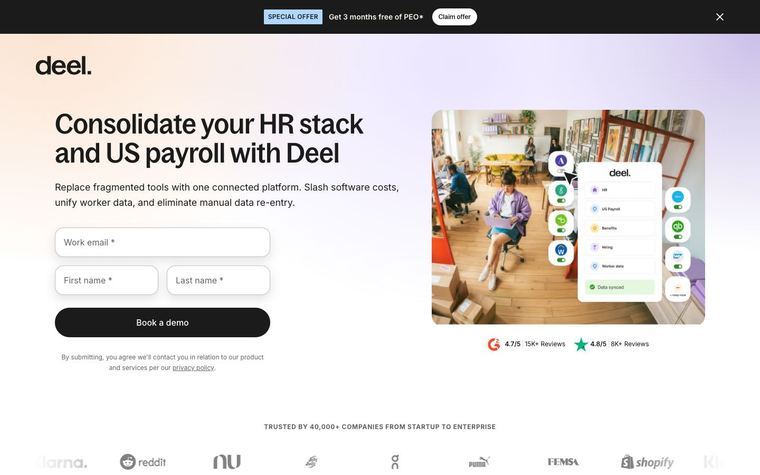
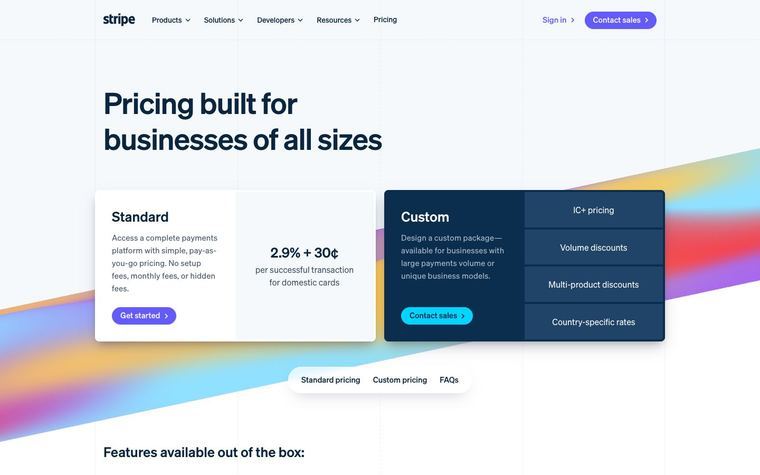
On a paid landing page, put the demo form in the first screen and show real prices lower down so the visitor can qualify themselves.
The move
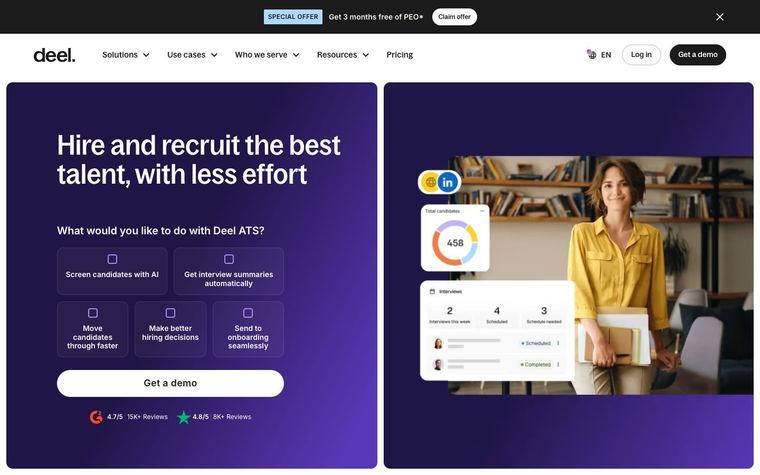
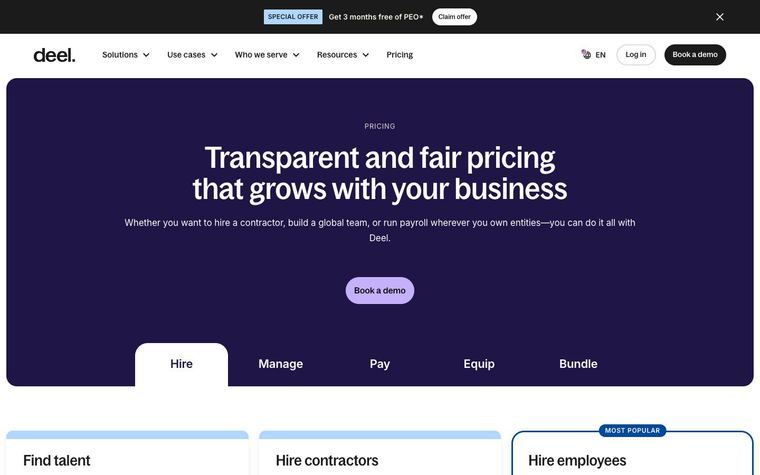
The headline "Hire, manage, pay, & equip anyone, anywhere." sits above a short form with a black "Book a demo" button. Below come a logo strip, "Do more in less time with fewer tools and platforms", a six-step hiring flow, four pricing columns (Hire employees, Hire contractors and two more) each with its own demo button, a video testimonial, FAQs and a closing demo block.
Why it works
- Our readFour priced product columns on one page give a visitor a way to find the product that fits them before they book.
- Our readThe "Get started with Deel in three easy steps" block makes the process after booking visible, which should lower the felt cost of filling in the form.
- Our readThe demo button returns on the feature cards, product cards, pricing columns and support block, so it stays close wherever a reader stops.
What not to copy
Don't copy the length or the section count without several products to justify them. Keep the form in the first screen and the priced columns that each carry a demo button.